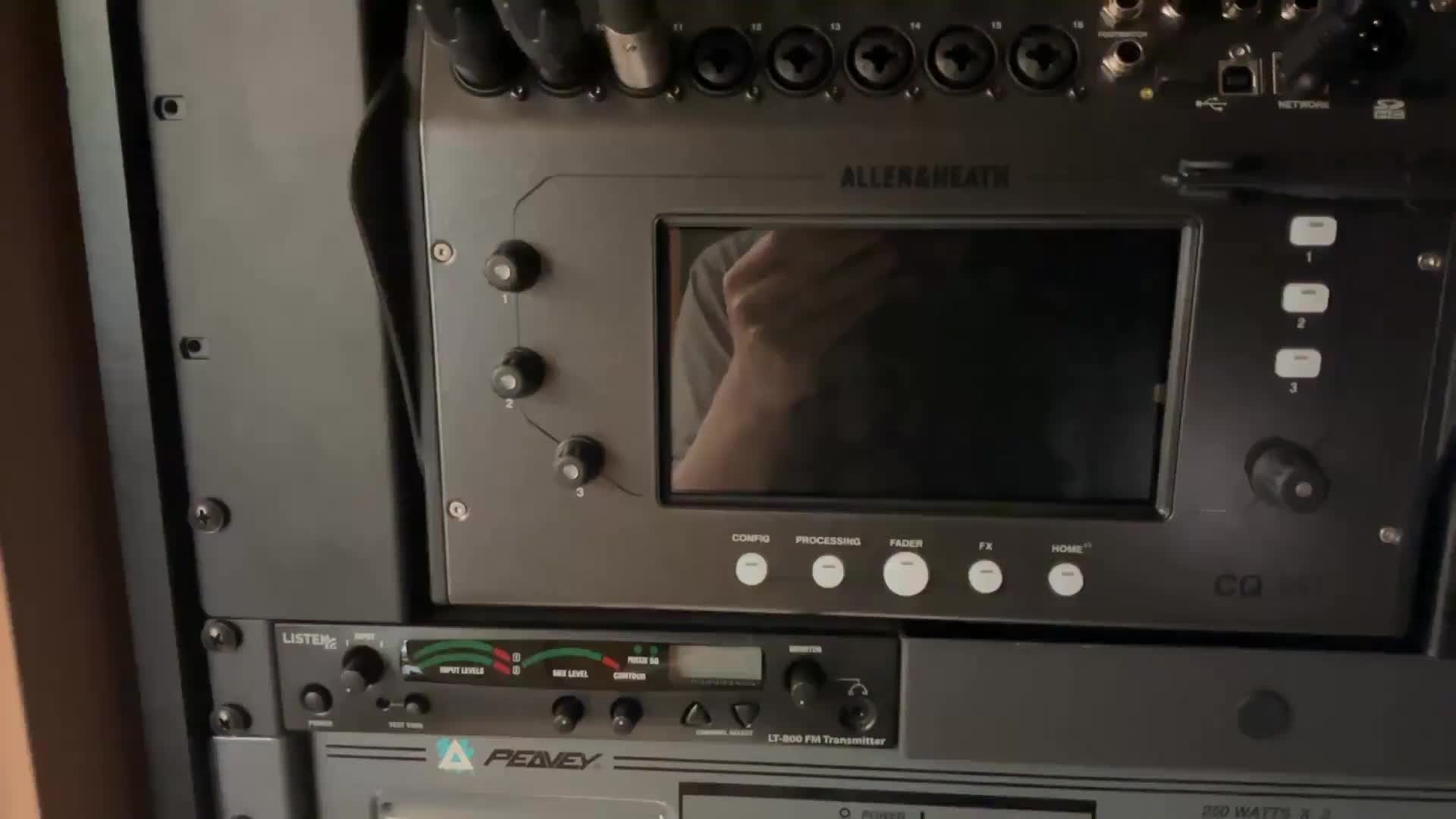
CQ18 Basic - Front Panel
< Back

Audio Mixer CQ18

Videos on how to use the CQ18 audio mixer at UCC Rhinelander.
  • CQ18 Basic - Front Panel

    01:21

    This tutorial demonstrates how to turn on the rack and audio mixer, as well as how to use a wireless mic and navigate the mixer interface.

    CQ18 Basic - Front Panel

    AI wand icon
    Transcript translations are generated by AI.
    Please excuse mistakes in translation.
    timeline icon timeline icon timeline icon timeline icon
    Timeline
    Use the AI button above to generate, or click below to upload your own captions.
    AI transcript unavailable. Click below to upload your own captions.
    Click below to upload your own captions.

    Captions and Chapters
    Select a language then choose an option below to upload captions, chapters or add them manually.

    Uploaded
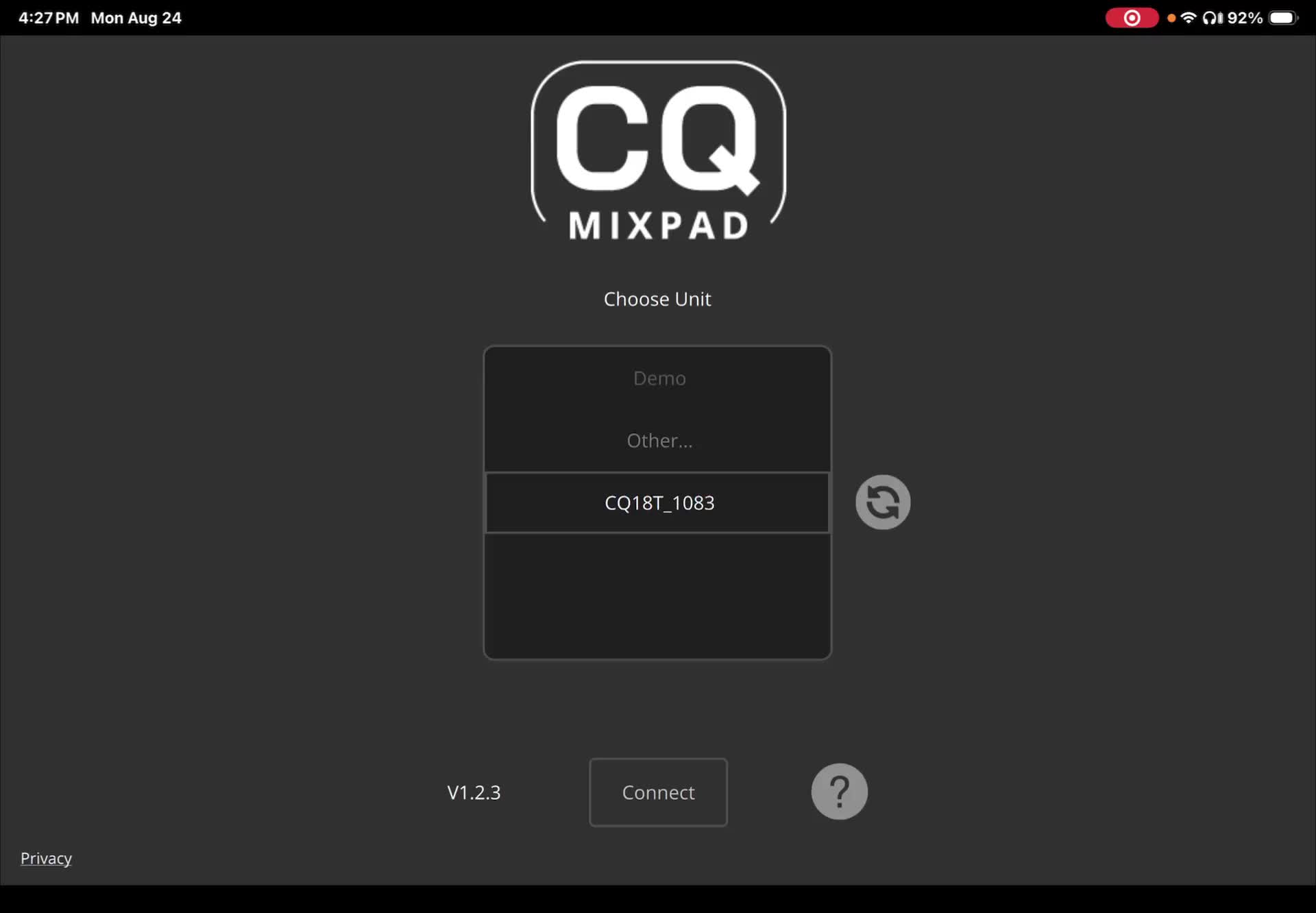
  • CQ18 Basic - iPad

    01:42

    A tutorial on the absolute basics for the CQ18 mixer audio mixer, demonstrated on an iPad but applicable to the front panel interface.

    CQ18 Basic - iPad

    AI wand icon
    Transcript translations are generated by AI.
    Please excuse mistakes in translation.
    timeline icon timeline icon timeline icon timeline icon
    Timeline
    Use the AI button above to generate, or click below to upload your own captions.
    AI transcript unavailable. Click below to upload your own captions.
    Click below to upload your own captions.

    Captions and Chapters
    Select a language then choose an option below to upload captions, chapters or add them manually.

    Uploaded
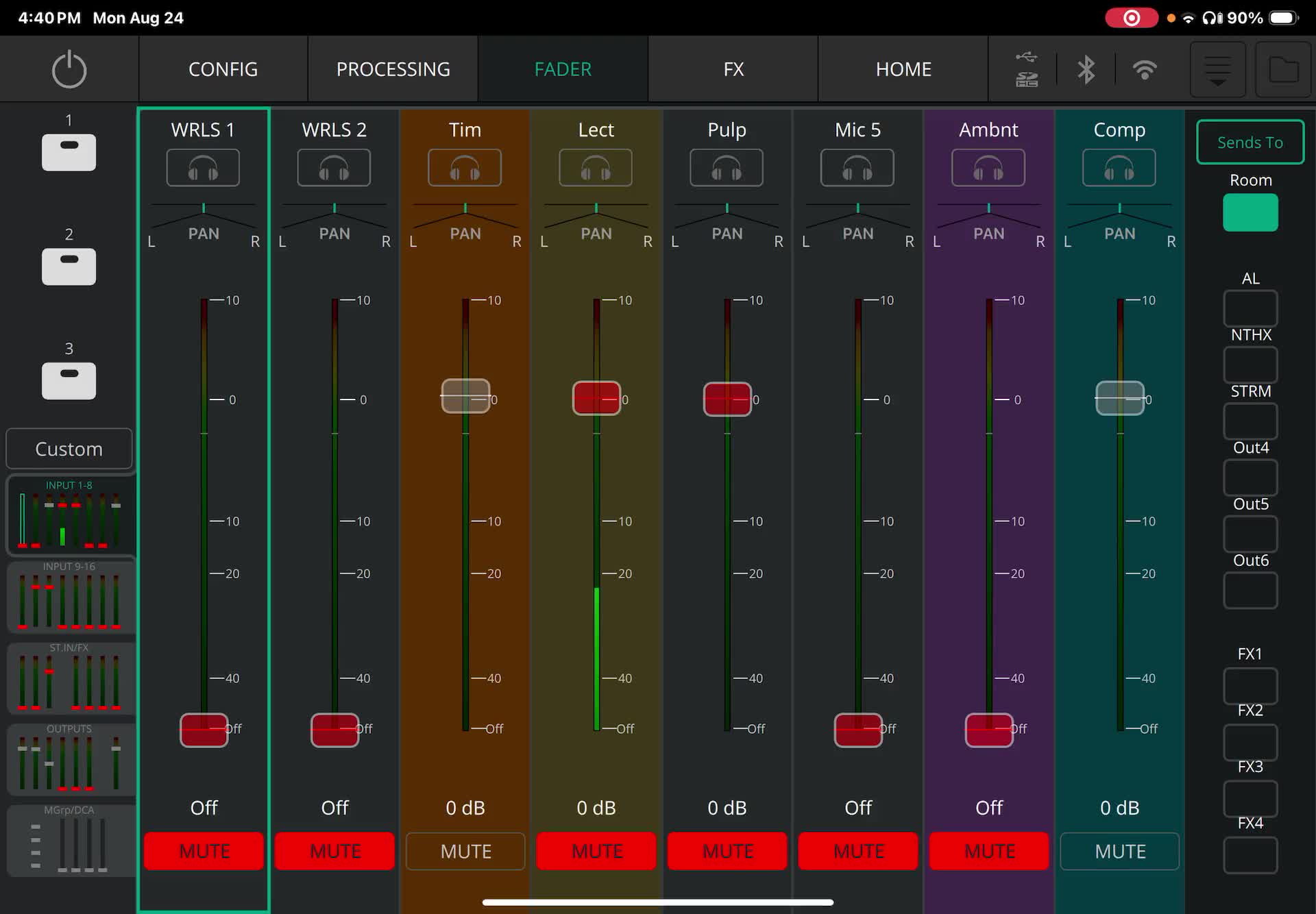
  • CQ18 Intermediate - Config

    05:23

    An overview of adjusting the functions on an audio mixer for different output devices, including muting, adjusting levels, and configuring input channels for microphones and instruments.

    CQ18 Intermediate - Config

    AI wand icon
    Transcript translations are generated by AI.
    Please excuse mistakes in translation.
    timeline icon timeline icon timeline icon timeline icon
    Timeline
    Use the AI button above to generate, or click below to upload your own captions.
    AI transcript unavailable. Click below to upload your own captions.
    Click below to upload your own captions.

    Captions and Chapters
    Select a language then choose an option below to upload captions, chapters or add them manually.

    Uploaded
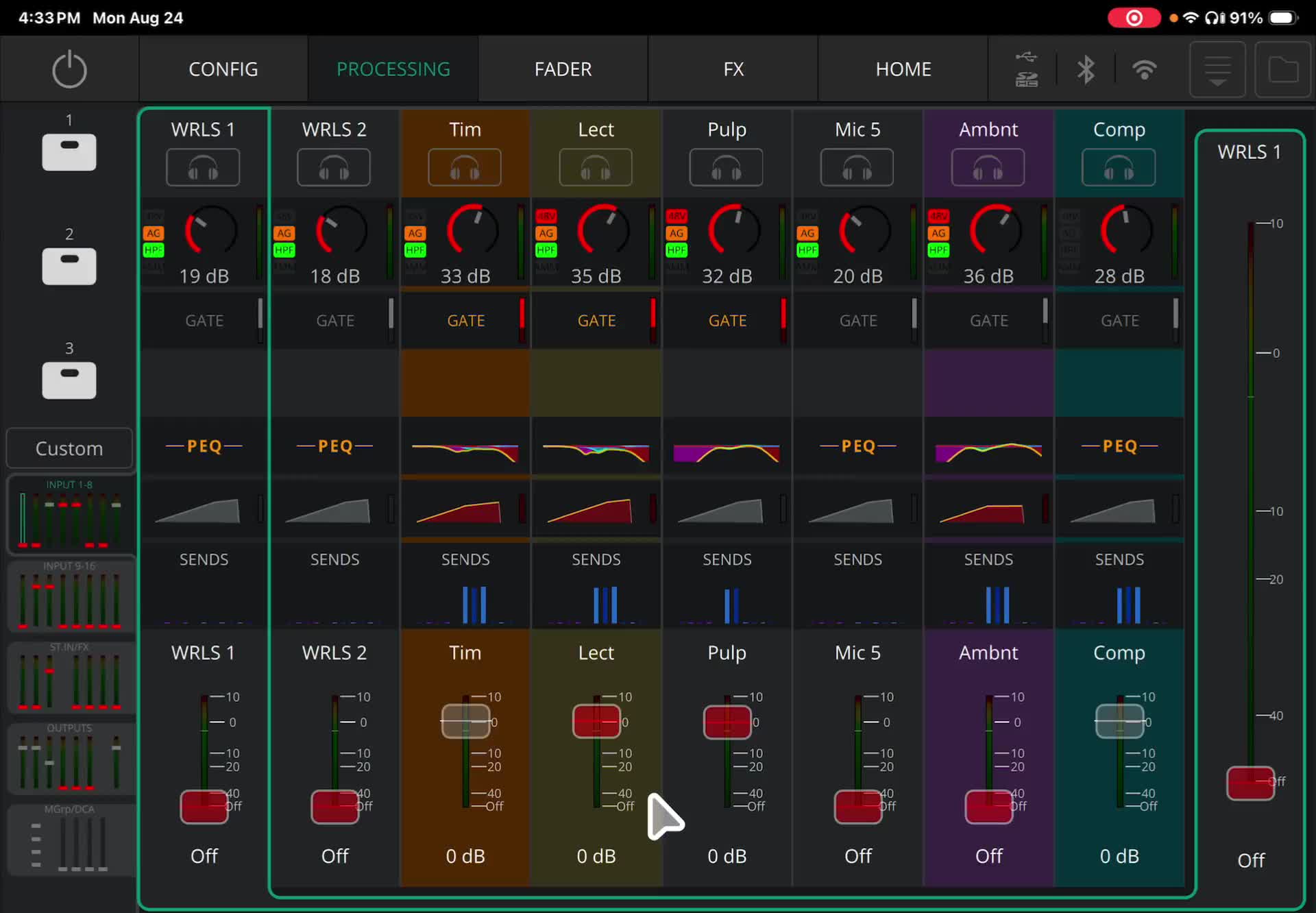
  • CQ18 Advanced - Processing

    15:19

    Detailed explanation of how to use the processing tab of an audio mixer for room sound, including adjusting the PEQ and parametric equalizer.

    CQ18 Advanced - Processing

    AI wand icon
    Transcript translations are generated by AI.
    Please excuse mistakes in translation.
    timeline icon timeline icon timeline icon timeline icon
    Timeline
    Use the AI button above to generate, or click below to upload your own captions.
    AI transcript unavailable. Click below to upload your own captions.
    Click below to upload your own captions.

    Captions and Chapters
    Select a language then choose an option below to upload captions, chapters or add them manually.

    Uploaded
  • CQ18 Basic - Front Panel
  • CQ18 Basic - iPad
  • CQ18 Intermediate - Config
  • CQ18 Advanced - Processing